XrayFA
# 🚀 XrayFA
**A modern, powerful, and user-friendly Android client for [Xray-core](https://github.com/XTLS/Xray-core).**
XrayFA provides a secure, high-speed proxy experience with a focus on simplicity and performance.
[](https://github.com/Q7DF1/XrayFA/releases)
[](https://github.com/Q7DF1/XrayFA/blob/main/LICENSE)
[](https://github.com/Q7DF1/XrayFA)
[](https://github.com/Q7DF1/XrayFA/stargazers)
📸 Screenshots
Phone UI
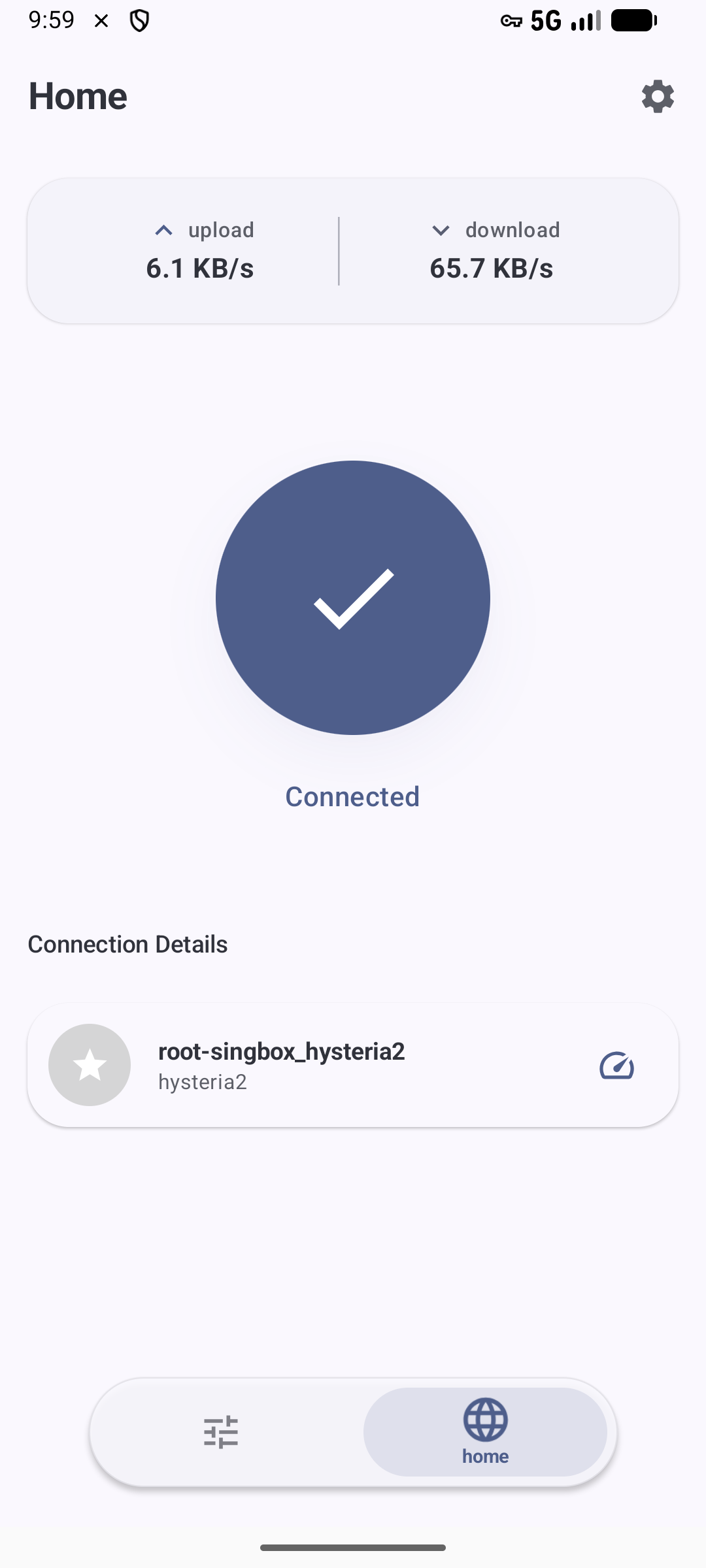
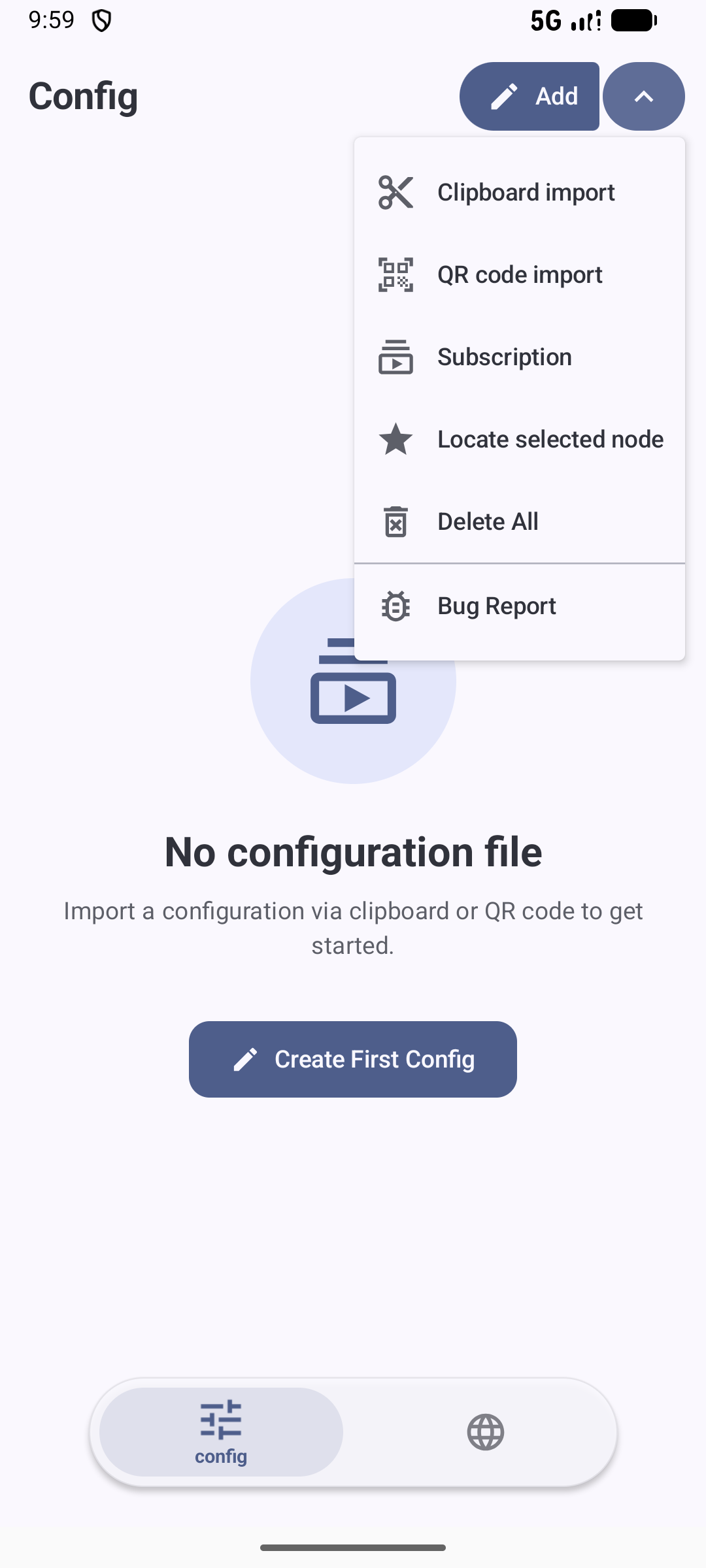
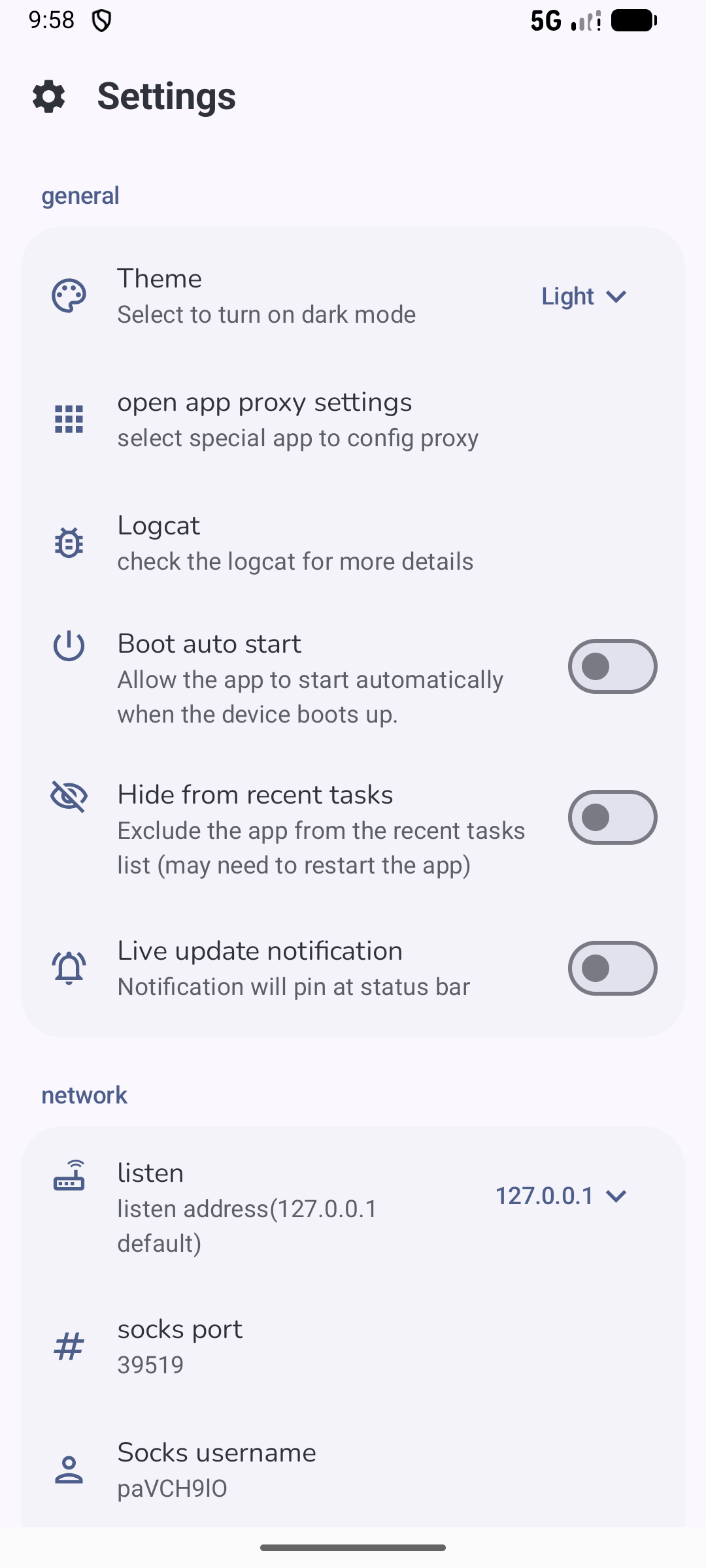
Tablet / Foldable UI
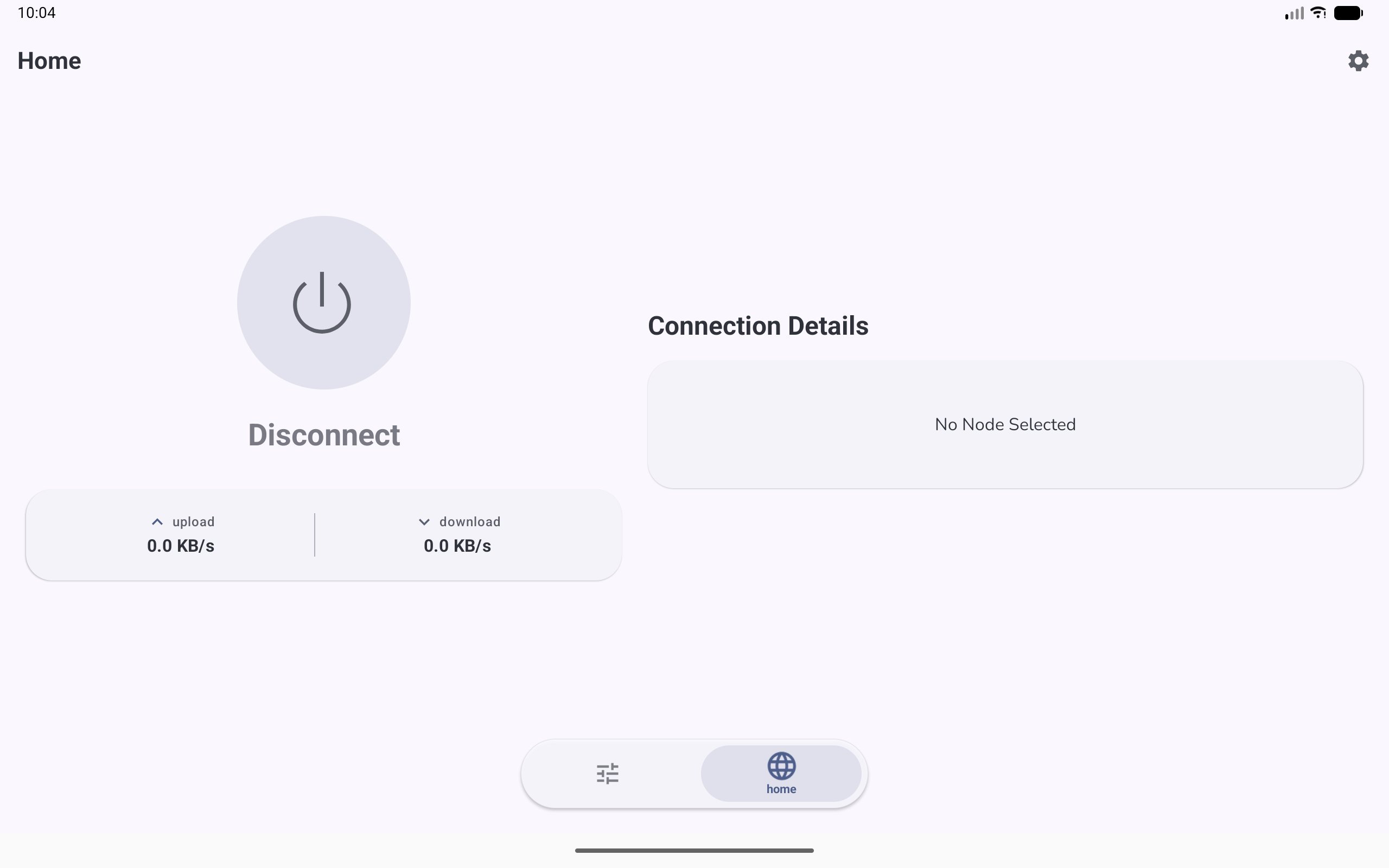
✨ Features
📡 Protocol Support
| VLESS | VMESS | Shadowsocks | Trojan | Hysteria2 | | :—: | :—: | :—: | :—: | :—: | | ✅ | ✅ | ✅ | ✅ | ✅ |
🛠️ Core Capabilities
- Subscription Management: Easily import, manage, and batch-update subscription links.
- Intuitive Dashboard: Clean real-time monitoring of connection status, speed, and traffic.
- Rich Configuration: Advanced routing rules and DNS settings for power users.
- Smooth UX: Modern Material Design 3 interface with fluid animations and Dark Mode support.
- Stable Engine: Built on the latest Xray-core for maximum compatibility and security.
📥 Download
Ready to get started?


🔨 Build from Source
Prerequisites
- Android Studio: Latest stable version.
- JDK: 11 or higher.
- Go (Golang): 1.21+ (Required for Xray-core compilation).
- Git: For cloning submodules.
Build Steps
-
Clone the repository (with submodules): ` git clone –recursive https://github.com/Q7DF1/XrayFA.git cd XrayFA ` If you missed submodules:
git submodule update --init --recursive -
Open in Android Studio: Select the
XrayFAfolder and wait for Gradle sync. -
Build and Run: Connect your device and press Shift + F10.
[!CAUTION] 🚨 IMPORTANT: For accurate performance testing, ensure the build configuration is set to RELEASE. Learn more about Compose performance.
📖 Quick Start
- Import Configuration:
- Click the + button to import from Clipboard (
vless://,vmess://, etc.). - Or scan a QR Code.
- Click the + button to import from Clipboard (
- Manage Subscriptions:
- Navigate to Subscription Settings to add provider URLs.
- Connect:
- Select a node and tap the Floating Action Button.
- Accept the VPN permission request.
🔗 Credits & Acknowledgements
Special thanks to these projects that make XrayFA possible:
- Xray-core - The core network engine.
- AndroidLibXrayLite
- hev-socks5-tunnel
📄 License
Distributed under the Apache-2.0 License. See LICENSE for details.
### 🌟 Star History
[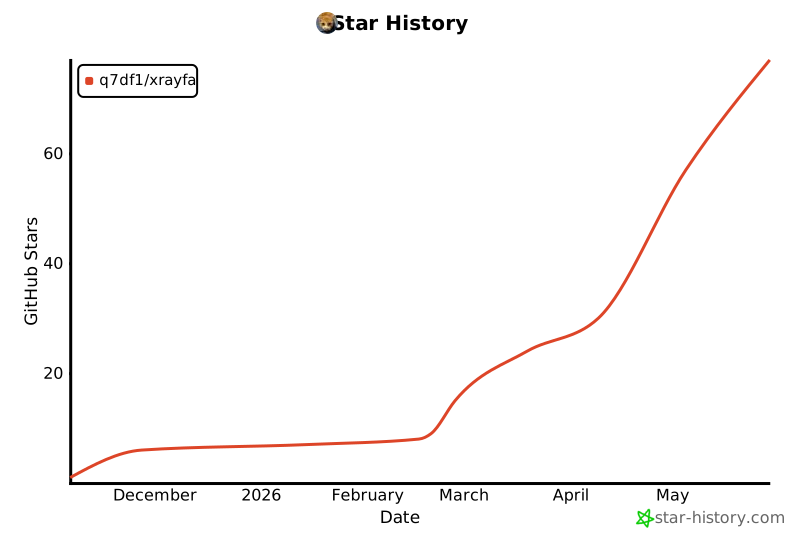](https://star-history.com/q7df1/xrayFA)